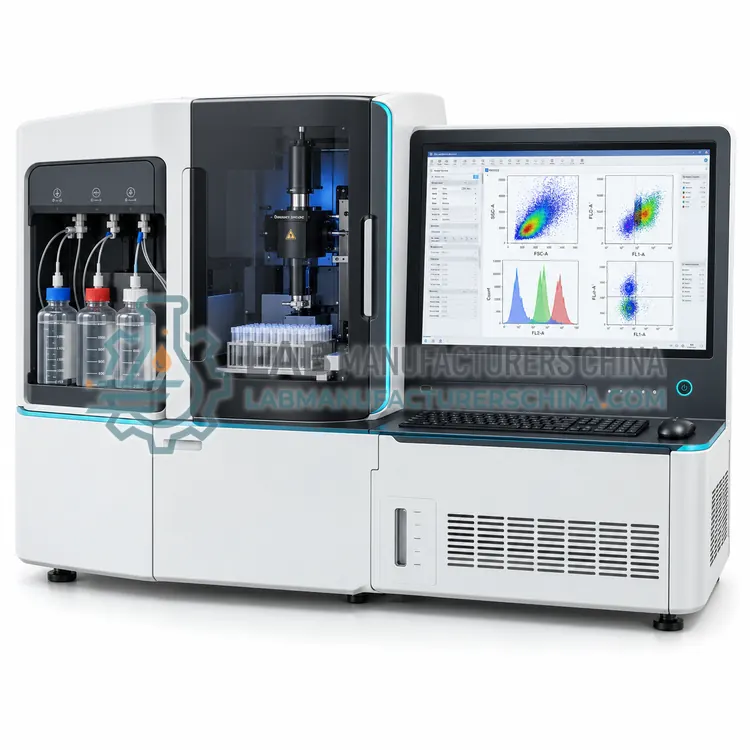
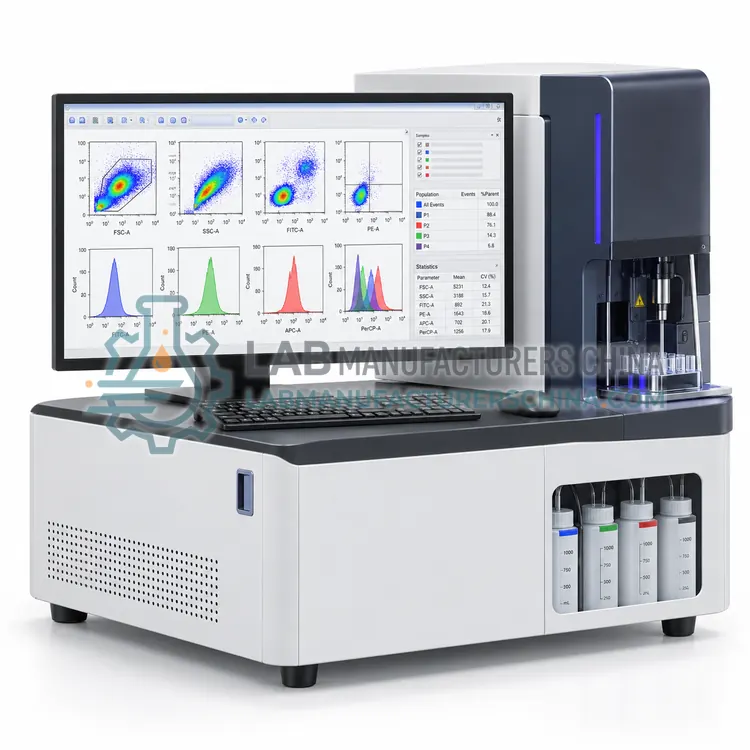
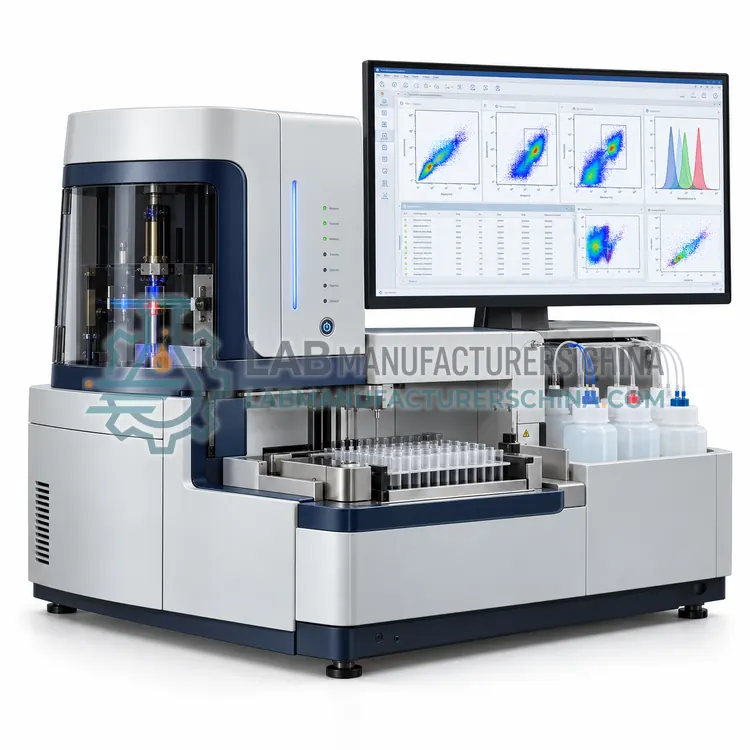
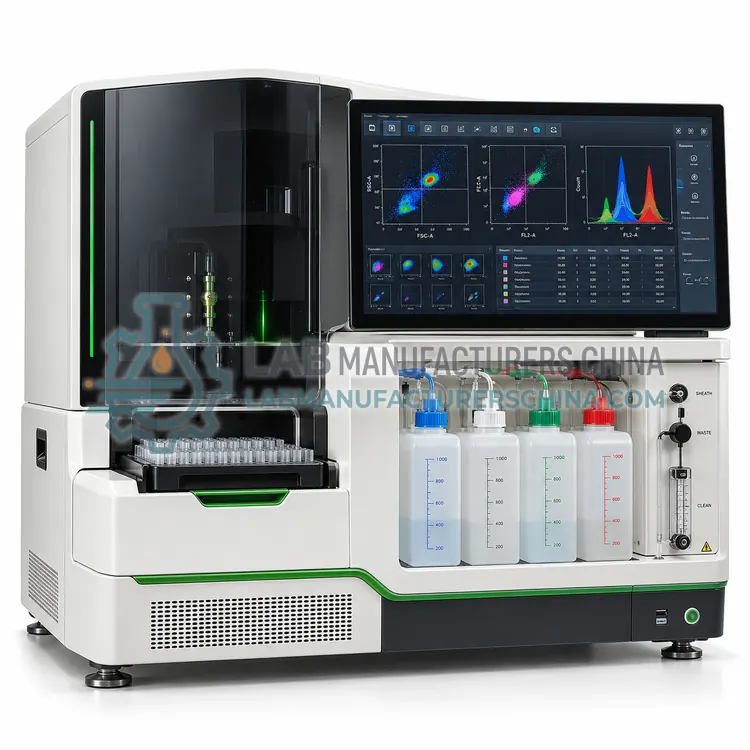
How do Cytometry Software work?
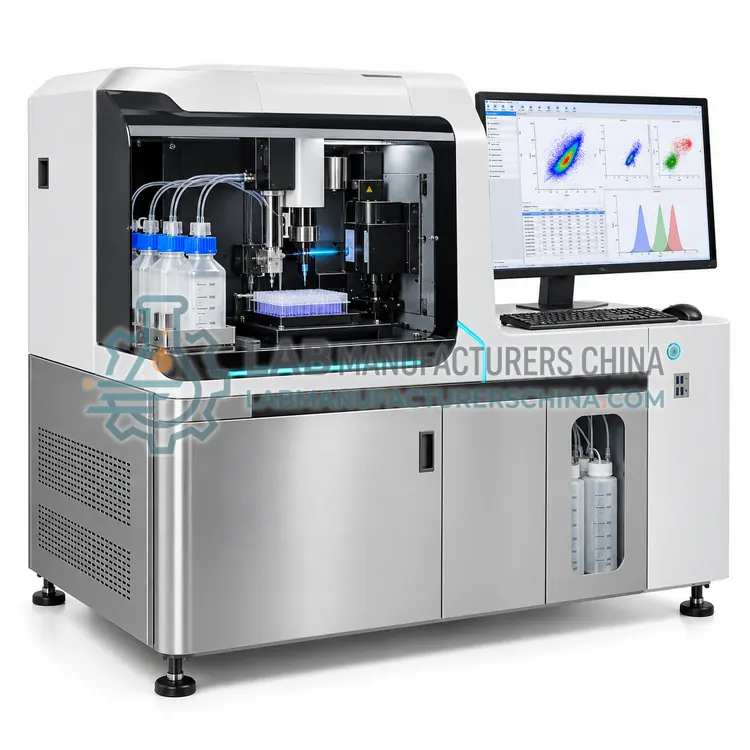
Cytometry software handles three stages. During acquisition it configures detector voltages, thresholds and gains, triggers on defined parameters, and writes each event's scatter and fluorescence values to list-mode FCS files with metadata. Analysis software then applies compensation or spectral unmixing to correct spillover, transforms data with logicle or biexponential scales to display negative values, and lets users draw hierarchical gates on histograms and dot plots to define populations. It calculates statistics such as percent parent, median fluorescence intensity and coefficient of variation. High-dimensional tools add dimensionality reduction with tSNE or UMAP and unsupervised clustering with algorithms such as FlowSOM or PhenoGraph. Regulated platforms add user authentication, audit trails, electronic signatures and validated templates.
Which Cytometry Software variants are available?
- Flow Cytometer Acquisition and Control Software — Flow cytometer acquisition and control software operates the instrument, sets detector voltages and thresholds, runs quality control and writes list-mode FCS files during data collection.
- Offline Flow Cytometry Data Analysis Software — Offline flow cytometry data analysis software opens FCS files from any cytometer to apply compensation, draw gates, calculate statistics and create publication-quality plots.
- High-Dimensional Flow Data Analysis Software — High-dimensional flow data analysis software applies dimensionality reduction and unsupervised clustering to cytometry datasets with 15 to 50 or more parameters.
- 21 CFR Part 11 Compliant Clinical Flow Cytometry Software — Part 11 compliant clinical flow cytometry software adds user authentication, audit trails, electronic signatures and locked templates to acquisition and analysis so that data integrity requirements are met.
- Cloud-Based Cytometry Data Management Platform — A cloud-based cytometry data management platform stores FCS files, panels and analysis results in a central web-accessible repository.
How do I choose the right variant?
Select software according to the task and the regulatory environment. Confirm instrument compatibility first, since acquisition software is tied to a specific cytometer and firmware. For analysis, verify support for FCS 2.0, 3.0, 3.1 and 3.2 files, compensation and unmixing matrices, batch processing and export of publication-quality graphs. For high-dimensional work, check for built-in tSNE, UMAP, FlowSOM and integration with R or Python. Regulated laboratories need 21 CFR Part 11 or equivalent functionality, meaning audit trails, electronic signatures, role-based access and validation documentation. Consider licensing model, including perpetual, subscription, floating or site licenses, data storage and cloud options, operating system support, and whether technical support and training are available locally.
Where are Cytometry Software used?
Cytometry Software are specified in instrument acquisition and quality control, offline flow data analysis and reporting, high-dimensional immune profiling, regulated clinical flow reporting, multi-site data management and cell sorting experiment control.
Which standards and certifications apply?
Work with Cytometry Software is commonly governed by ISAC FCS 3.1 data standard, ISAC FCS 3.2 data standard, ISAC MIFlowCyt, 21 CFR Part 11, EU GMP Annex 11, GAMP 5 and CLSI H62. Instrument certifications such as CE marking are confirmed per configuration and never assumed.
What are the key considerations before purchase?
Install acquisition software only on the validated workstation supplied or approved for the cytometer, with operating system updates under change control. Back up FCS data to network storage on a schedule and follow the MIFlowCyt guideline to record experiment metadata for reproducibility. Validate compensation matrices with single-stain controls and review gating strategies with fluorescence-minus-one controls. Standardize gating templates across users to reduce analyst variability. For regulated work, perform installation, operational and performance qualification, lock methods and templates, and review audit trails periodically. Keep license keys and software versions documented, and confirm that exported data remain readable in future software releases.