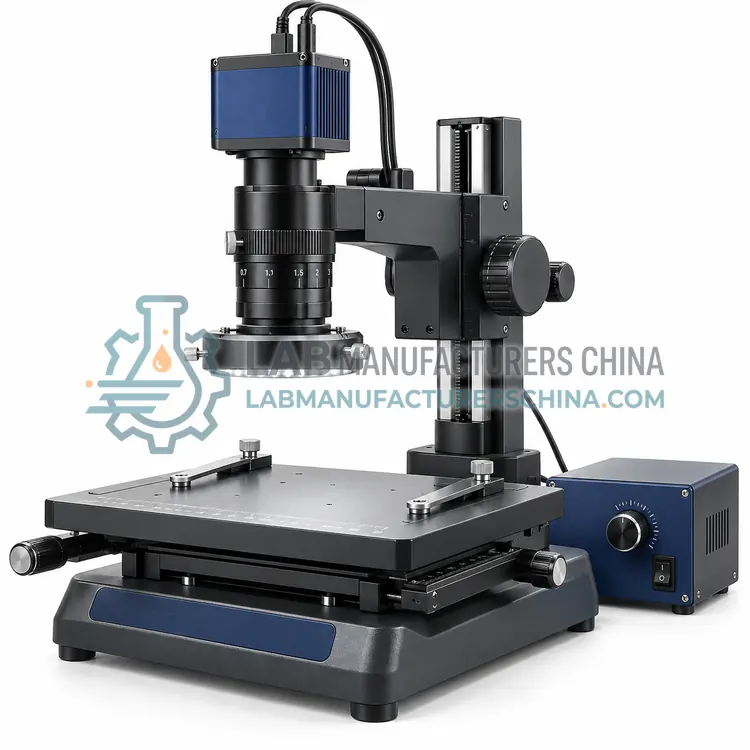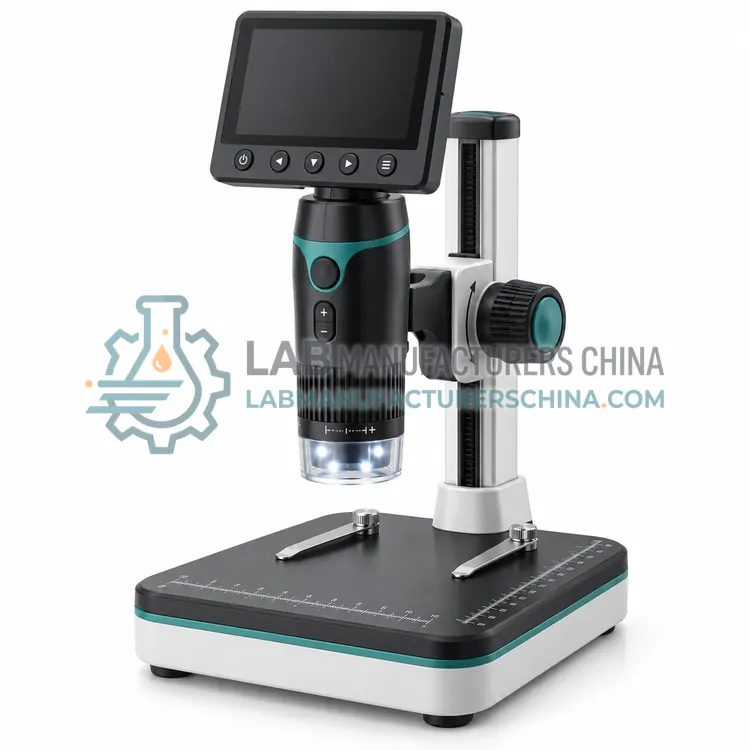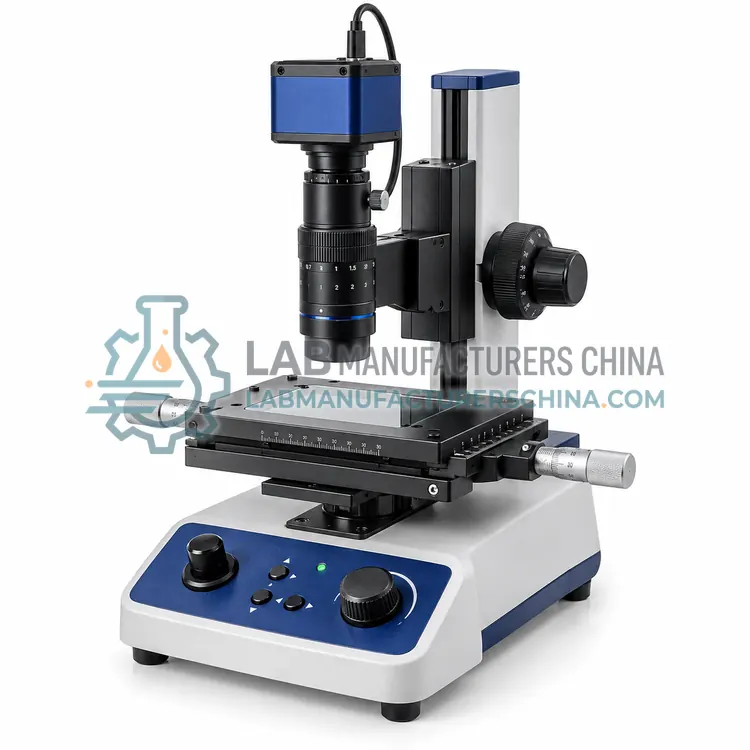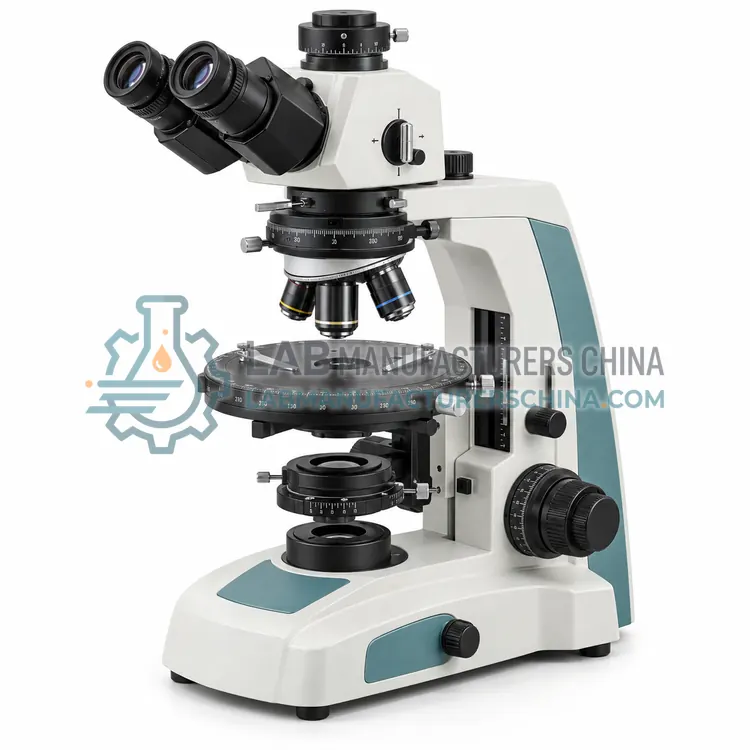
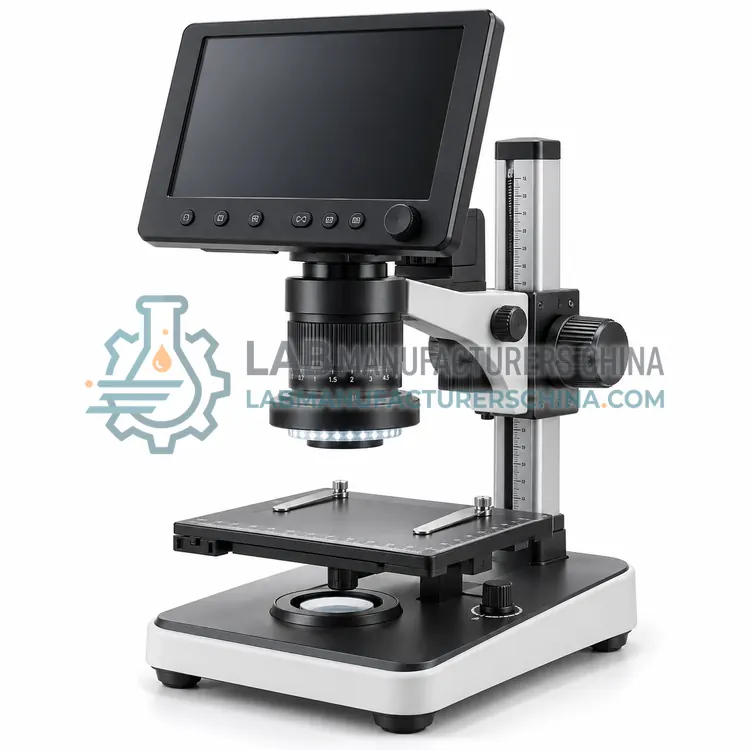
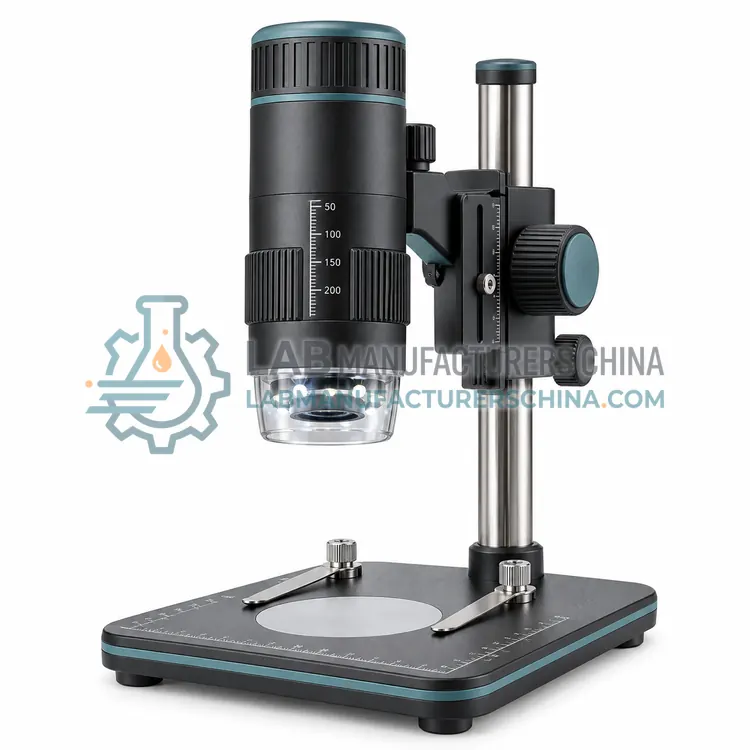
USB Digital Microscope
USB 数字显微镜
- SKU DIM-0002
- Digital Microscopes
- CE (to be confirmed)
- ISO 9001 manufacturing (to be confirmed)
Price on request — FOB / CIF quoted per order
Prices depend on configuration, quantity and destination port.
Key specifications
| Magnification range | 20×–200× on screen |
|---|---|
| Image sensor | 2–5 MP CMOS |
| Interface | USB 2.0 or 3.0 |
| Working distance | About 100 mm |
| Field of view | About 20 mm at low magnification |
| Illumination | LED ring, adjustable |
Request a quote Download brochure · to be provided
By Lab Manufacturers China Technical TeamLast reviewed Standards: ISO 8036, ISO 19012-1, ISO 9345-1
What is the USB Digital Microscope?
A USB digital microscope streams the magnified image to a computer, where software controls capture, measurement and storage. It is an economical choice for documentation and analysis on a desktop or laptop.
What is the USB Digital Microscope?
A USB digital microscope streams the magnified image to a computer, where software controls capture, measurement and storage. It is an economical choice for documentation and analysis on a desktop or laptop.
Overview
A USB digital microscope contains a lens and image sensor that connects to a computer through a USB port, with power and data carried by the same cable. Software displays a live image and provides capture, video recording, measurement and annotation tools. Because processing and storage are on the computer, the microscope head can be small and inexpensive, and images are saved directly in a manageable file structure. Magnification and field of view depend on the lens and the sensor size, and the working distance is set by the design or an adjustable stand. The configuration suits laboratory documentation, quality records, teaching and any application where images must be analyzed on a computer.
How does it work?
A digital microscope forms a magnified image with a lens system, then projects it onto an image sensor instead of an eyepiece. The sensor converts the optical image into digital data, which a processor displays on an LCD panel, a computer monitor or a mobile device. Image processing adjusts exposure, white balance, contrast and edge enhancement, and software overlays scales and markers. Magnification results from the optical magnification and the sensor and display dimensions, so the field of view and displayed magnification must be stated carefully. Illumination, often ring or coaxial LED, controls reflectance and reveals surface detail. Digital capture enables measurement, annotation, archiving and sharing, but measurement requires calibration against a known reference.
What are the key features?
- Single USB cable for power and data
- Computer software for capture and measurement
- Live image on a monitor
- Compact and economical microscope head
- Direct saving to computer storage
What are the technical specifications?
A typical usb digital microscope configuration offers magnification range of 20×–200× on screen, image sensor of 2–5 MP CMOS, interface of USB 2.0 or 3.0, working distance of About 100 mm, field of view of About 20 mm at low magnification and illumination of LED ring, adjustable. Values are indicative of the product class; the exact figures for each configuration are confirmed on the quotation and the calibration documents supplied with the instrument.
Which applications is it used for?
The USB Digital Microscope is used in laboratory image documentation, quality-control records, teaching and remote demonstration and component and material inspection. Across the wider Digital Microscopes class, laboratories also deploy it for industrial surface and component inspection, electronics and PCB quality control and teaching with shared images.
Which standards and certifications apply?
Relevant standards and methods include ISO 8036, ISO 19012-1, ISO 9345-1, ISO 8255-1 and IEC 61010-1. Certification candidates for this model are CE and ISO 9001 manufacturing; each is to be confirmed for the specific configuration before shipment, and certificates are supplied only where they have been issued.
Calibrate the measurement scale with a stage micrometer or certified target, and recalibrate whenever the lens, working distance or display settings change. Keep the lens and sensor window clean, and control glare from reflective surfaces with diffused or polarised illumination. Set consistent illumination, white balance and exposure so images can be compared across sessions. Store calibration data and images with the settings recorded. For regulated inspection, ensure files are protected and traceable, and define user access and backup. Check that the stated magnification refers to the display and is reproducible.
How do I select the right USB Digital Microscope?
Select a USB digital microscope when a computer is available and images must be captured, measured or stored digitally. Confirm the sensor resolution suits the required detail and that the software runs on the intended operating system and provides calibration and measurement. Check the working distance and illumination for the sample, and whether an adjustable stand is needed.
How does it compare with other Digital Microscopes variants?
Choose a digital microscope when image capture, measurement or documentation is central, or when eyepiece viewing is impractical. Decide the display route: an integrated LCD for standalone use, USB to a computer, HDMI to a monitor or wireless to a tablet. Confirm the optical magnification range and the numerical aperture, since sensor magnification does not add optical detail. Check the illumination type for the surface, the working distance for the task, and whether measurement software with calibration is included. For inspection lines, consider depth of field, field of view and the ability to record pass or fail results.
Full specifications
| Magnification range | 20×–200× on screen |
|---|---|
| Image sensor | 2–5 MP CMOS |
| Interface | USB 2.0 or 3.0 |
| Working distance | About 100 mm |
| Field of view | About 20 mm at low magnification |
| Illumination | LED ring, adjustable |
| Frame rate | Up to 30 fps |
| Software | Capture, measurement, annotation |
| Power supply | USB bus powered |
| Operating system | Windows, macOS, Linux |
Indicative values for this product class. Final specifications are confirmed on the quotation and in the calibration documents supplied with the instrument.
Applications
- Laboratory image documentation
- Quality-control records
- Teaching and remote demonstration
- Component and material inspection
Key features
- Single USB cable for power and data
- Computer software for capture and measurement
- Live image on a monitor
- Compact and economical microscope head
- Direct saving to computer storage
Frequently asked questions about USB Digital Microscope
Most are bus powered, drawing electricity from the USB port together with the data connection, so no separate adapter is needed. If the illumination is bright or the cable is long, a powered hub may be required to maintain stable operation.
Yes, with calibration. The software must know the relationship between pixels and real length at each magnification, which is established by imaging a stage micrometer. Without calibration, on-screen measurement tools give only relative sizes.
Optical resolution, sensor resolution, illumination and focusing all contribute. A sensor with more megapixels cannot recover detail that the lens cannot resolve, and poor or uneven lighting reduces contrast. Stable mounting and correct working distance also affect sharpness.
No. Resolution is set by the optical system, mainly the numerical aperture and wavelength, and by the sensor pixel density. Enlarging a digital image beyond the optical limit produces an empty, blurred result. Optical magnification and sensor resolution must be balanced.
Image a stage micrometer or certified target at the same optical and display settings used for measurement, then set the scale in the software so that pixels correspond to a known length. Recalibrate whenever the lens, working distance or display configuration changes.
Coaxial or diffuse illumination often suits reflective metals better than a ring light, because it reduces hot spots. Polarising filters can further suppress glare. For textured surfaces, oblique lighting increases contrast by creating shadows that reveal relief.
Related models