How do LIMS Integration work?
LIMS integration transfers structured data between laboratory systems using defined interfaces and message formats. Work orders are sent from the LIMS to an instrument or automation system, which returns results with sample identifiers, timestamps and quality flags. Middleware sits between instruments and the LIMS when instruments cannot connect directly, translating protocols, queuing jobs and merging results from several analyzers. Barcode labels attach a unique identity to each tube or plate, so every action can be tied to a sample. Electronic laboratory notebook integration links experimental records to the LIMS sample or method. Reporting modules assemble results, quality control data and turnaround metrics into reports and dashboards. Throughout, controls such as user authentication, audit trails, version control and backup protect data integrity, following 21 CFR Part 11 and GMP Annex 11 expectations.
Which LIMS Integration variants are available?
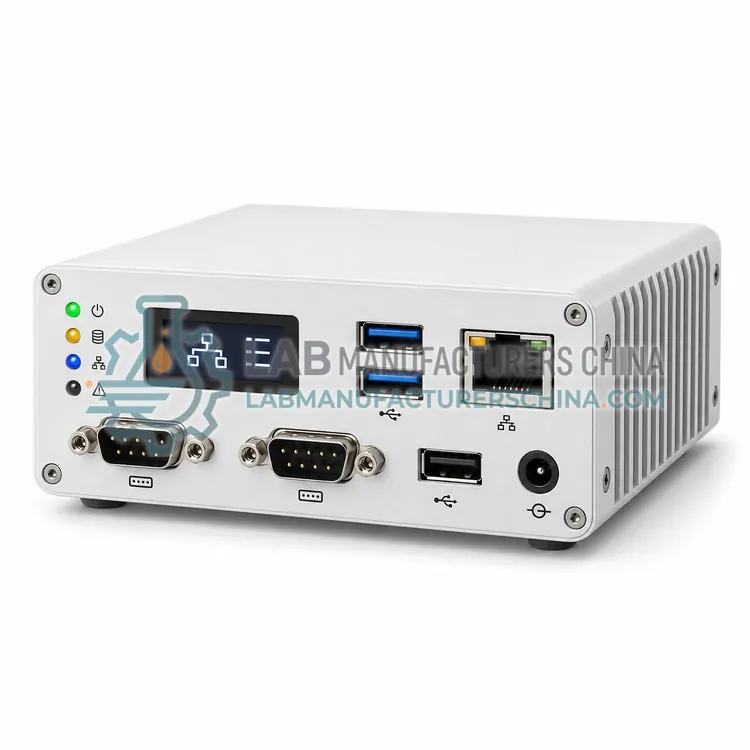
- Instrument-to-LIMS Interface — An instrument-to-LIMS interface transfers work orders and results directly between an analyzer and the laboratory information system.
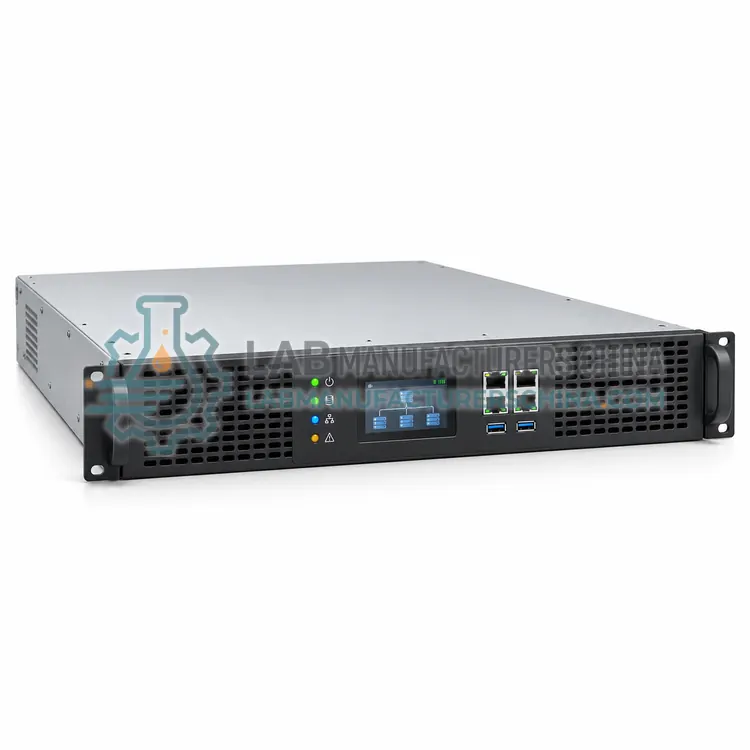
- Laboratory Middleware System — A laboratory middleware system sits between instruments and the LIMS, routing orders, merging results and applying rules.
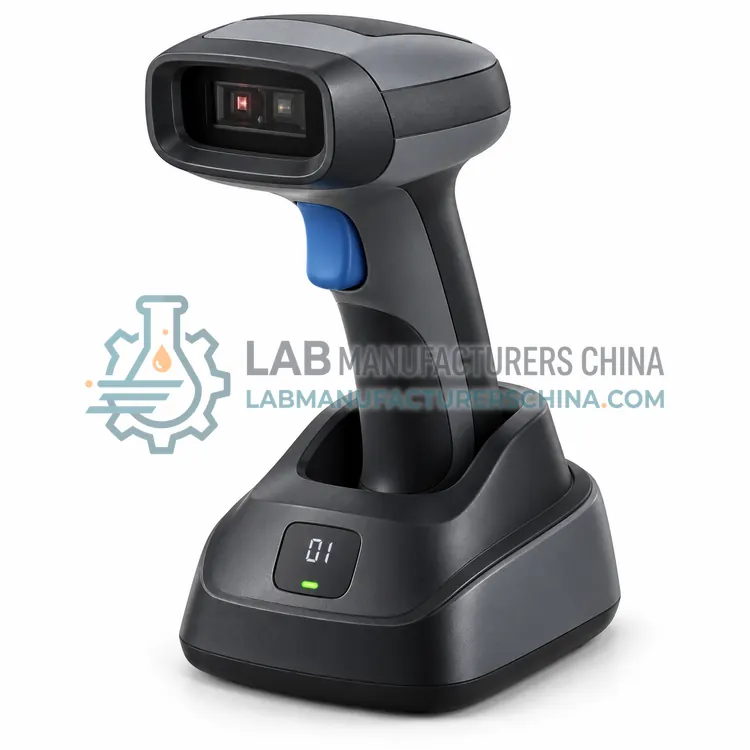
- Barcode Sample Tracking System — A barcode sample tracking system labels and scans tubes and plates so every action is reliably tied to a unique sample identity.
- Electronic Laboratory Notebook Integration — An electronic laboratory notebook integration links experimental records to LIMS samples, methods and results.
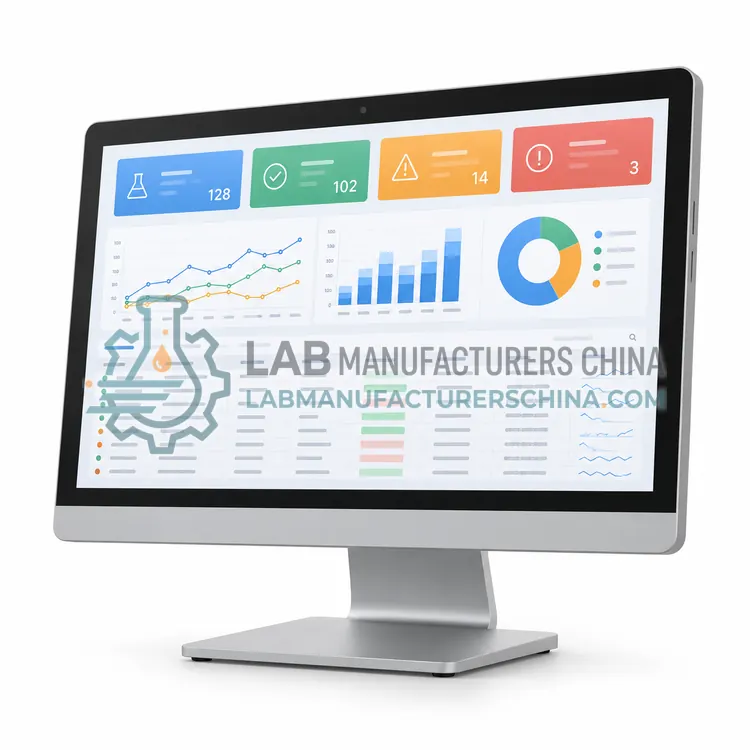
- LIMS Reporting and Dashboard Module — A LIMS reporting and dashboard module turns stored results, quality control data and turnaround times into reports and visual metrics.
How do I choose the right variant?
Map the data flow first: which systems create data, which consume it and where manual transcription still happens. Choose interfaces that match the instrument capabilities, using HL7, ASTM or a vendor driver where available, and middleware where several instruments need one connection. Confirm that the LIMS can receive the fields you need, including quality flags, units, method identifiers and operator identity, and that it can send work orders and test rules back. Check audit trail, access control and versioning against 21 CFR Part 11 and local rules, and confirm how validation and change control are handled. Consider barcode labelling and scanning at every step, since sample identity is the backbone of traceability. Test throughput, error handling and recovery with the real instruments before go-live.
Where are LIMS Integration used?
LIMS Integration are specified in clinical laboratory result reporting, pharmaceutical QC data capture, environmental testing records, bioprocess and stability data, sample tracking from receipt to report and quality control monitoring.
Which standards and certifications apply?
Work with LIMS Integration is commonly governed by 21 CFR Part 11 (electronic records and signatures), EU GMP Annex 11 (computerised systems), ISO 15189 (medical laboratories, quality and competence), ISO/IEC 17025 (testing and calibration laboratories), HL7 (healthcare data exchange) and ASTM E1394 (clinical laboratory instrument interface). Instrument certifications such as CE marking are confirmed per configuration and never assumed.
What are the key considerations before purchase?
Validate the integrated system for the intended use, covering data transfer accuracy, error handling and recovery, and repeat validation after changes to interfaces, software versions or instrument firmware. Maintain an interface register with owners, formats and change procedures, because an unrecorded firmware update can break data flow. Protect credentials, restrict access by role and retain audit trails, and back up both data and configuration. Monitor interface queues and error logs daily, and define what happens when a connection fails, so manual workarounds are controlled and recorded. Train staff on data entry, verification and the meaning of quality flags. Review data integrity periodically, and keep documentation current for inspection.